The Workflow
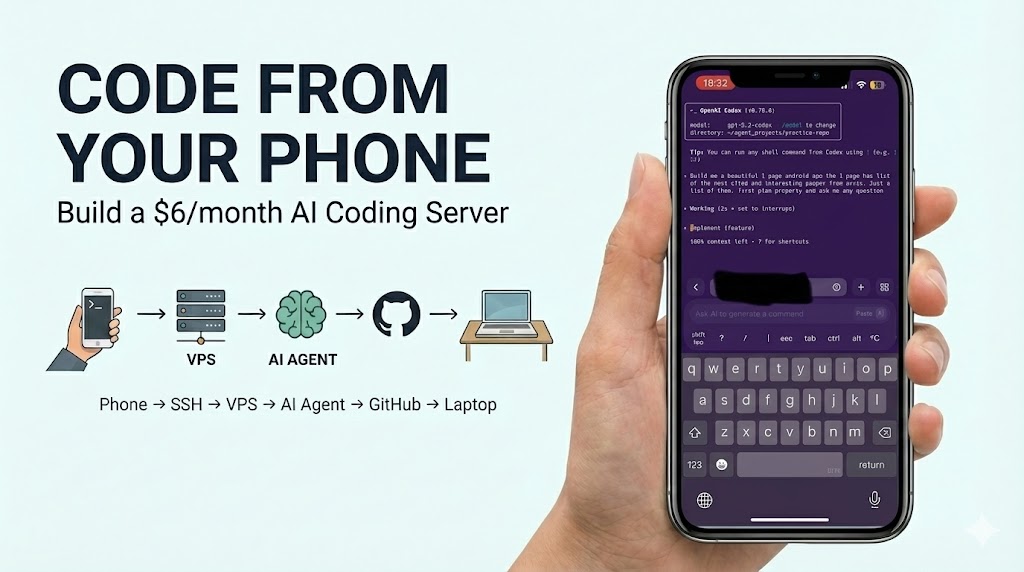
Phone → SSH → VPS → AI agent builds code → Push to GitHub → Pull on laptop
- Cost: $6/month
- Time to setup: 10 minutes
- Use case: Code anywhere, anytime
The Setup
1. Rent a VPS
Digital Ocean (I used Digital ocean) or Hetzner
- $4-6/month, 1GB+ RAM
- Choose closest region
- Ubuntu 24.04, password auth
2. Install Termius
Termius - iOS/Android app (free)
- Add host: VPS IP, username root, your password
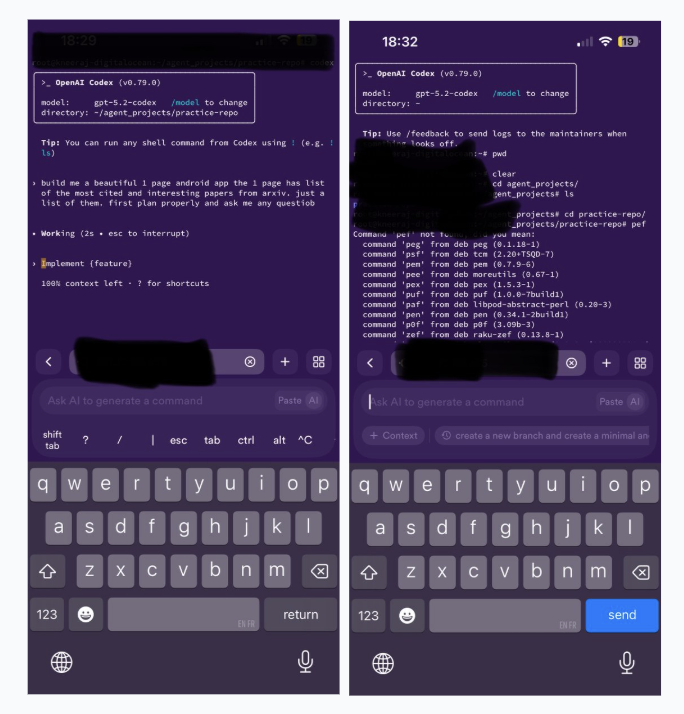
- Connect via SSH
3. Install your favourite AI Coding Agents
apt update && apt install npm -y
npm install -g @anthropic-ai/claude-code
npm install -g @openai/codex
4. Setup GitHub Sync
git config --global user.name "Your Name"
git config --global user.email "your@email.com"
ssh-keygen -t ed25519 -C "your@email.com"
cat ~/.ssh/id_ed25519.pub
Add the SSH key to your GitHub account.
5. Start Coding
mkdir ~/projects && cd ~/projects
codex  # or claude
# Build something
git init && git add . && git commit -m "built from phone"
git remote add origin git@github.com:you/repo.git
git push -u origin main
Result
Coding from mobile anywhere anytime…